Proton and Nord VPNs Add App-Level Routing for Windows
The feature allows users to exclude specific software from encryption, preserving speed for games and local network devices.
By Benjamin Rousseau ·
Most people who install a virtual private network do not use the split tunneling feature that comes with it. This setting lets users decide which applications connect through the encrypted tunnel and which connect directly to the internet.
Split tunneling addresses the speed loss that often accompanies VPN use. A standard VPN creates an encrypted bridge for all data traffic. This process hides browsing activity from internet providers and local networks. However, the encryption can slow down connections. By allowing specific apps to bypass the bridge, users maintain faster speeds for tasks like online gaming or streaming.
The feature is particularly useful for applications that rely on physical location. A user checking local movie times might want their ticketing app to bypass the VPN so it detects the correct city. Similarly, smart home devices and printers on a local network often struggle to connect when the computer is routed through a remote server. Split tunneling prevents these local connections from breaking.
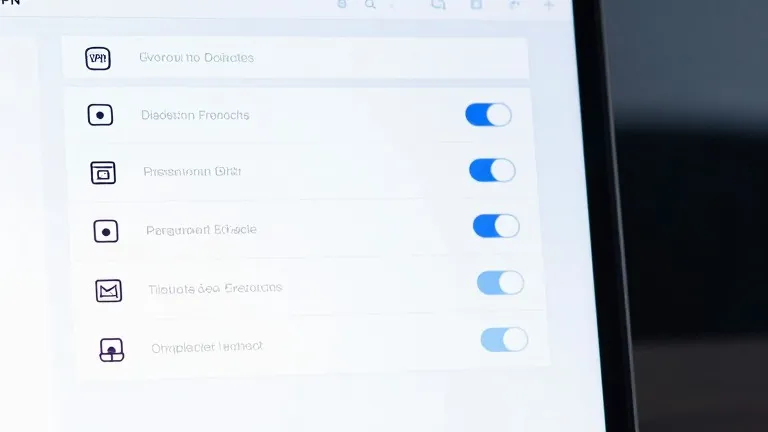
Two major providers recently updated their Windows clients to make this control more accessible. In ProtonVPN for Windows, users find the option on the right side of the main console. They can choose to include specific apps in the tunnel or exclude them, with the system applying the opposite logic to all other software.
NordVPN on Windows uses a similar approach. Users access the feature by clicking the cog icon in the bottom left corner of the interface. After enabling the toggle, they can select which specific applications receive protection. This granular control replaces the need to turn the entire VPN on and off repeatedly.
Different methods exist for routing traffic. The app-based method described here is the most common for consumers. Other options include URL-based rules that target specific domain names or IP-based rules that apply to specific addresses. These alternatives are less common in consumer software and are typically used by administrators managing multiple users.
The setup process differs slightly across devices. Mobile phones offer similar controls, though iPhones restrict users to excluding websites and IP addresses rather than entire applications. For most desktop users, configuring the split tunneling list is a one-time task. Once set, the system automatically routes traffic according to the user's rules without requiring constant adjustment.
Source: Wired